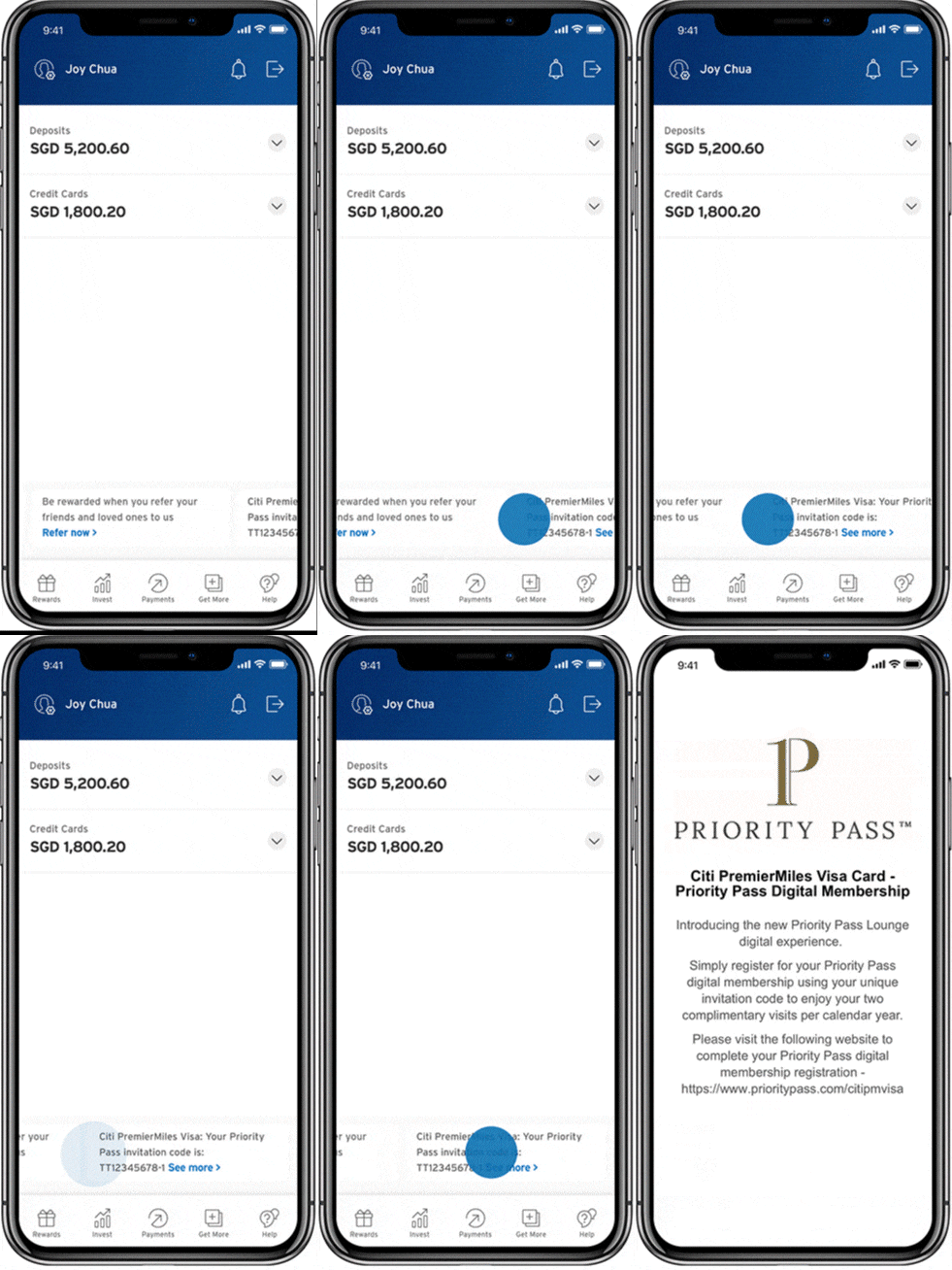

STEP 1: LOG ON & RETRIEVE
Log on to Citi Mobile® App to retrieve your unique invitation code by sliding across the offers found at the bottom of your screen.
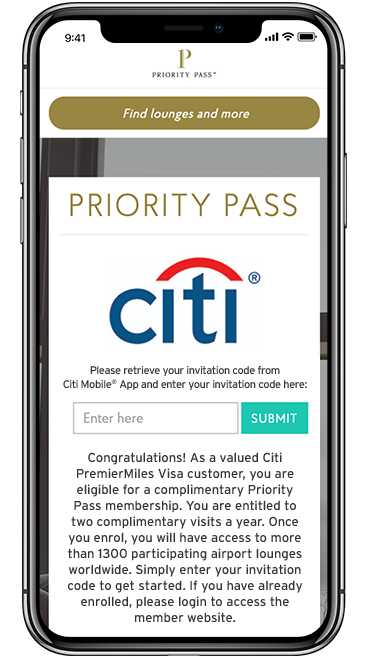
STEP 2: REGISTER
Complete your registration with your unique invitation code at https://www.prioritypass.com/citipmvisa.
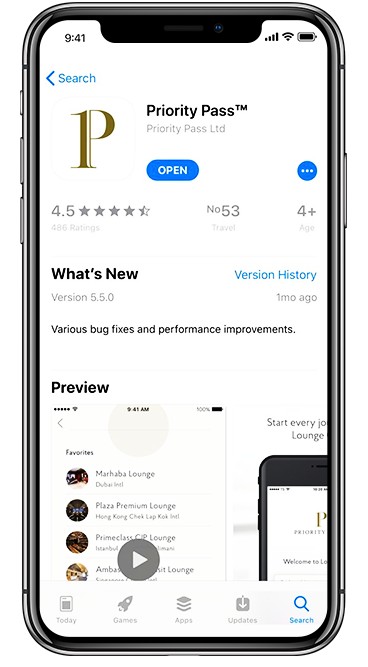
STEP 3: DOWNLOAD
Download the Priority Pass App through App Store or Google Play.


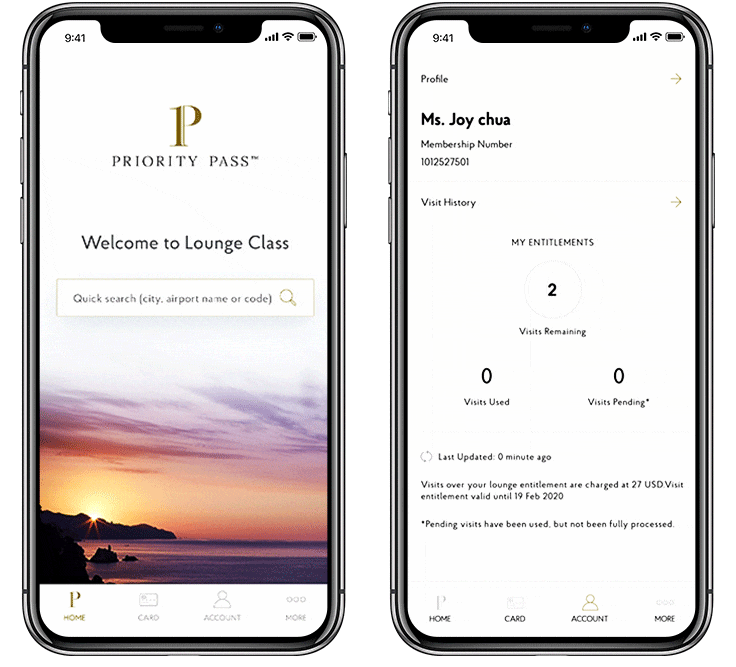
STEP 4: ACCESS
Key in your login details and start accessing the Priority Pass App or Priority Pass+ App. Tap on ‘Account’ for an overview of your privileges.